

Imagine you’re a Product Manager writing PRD at a coffee shop.
You order a Coffee for you.
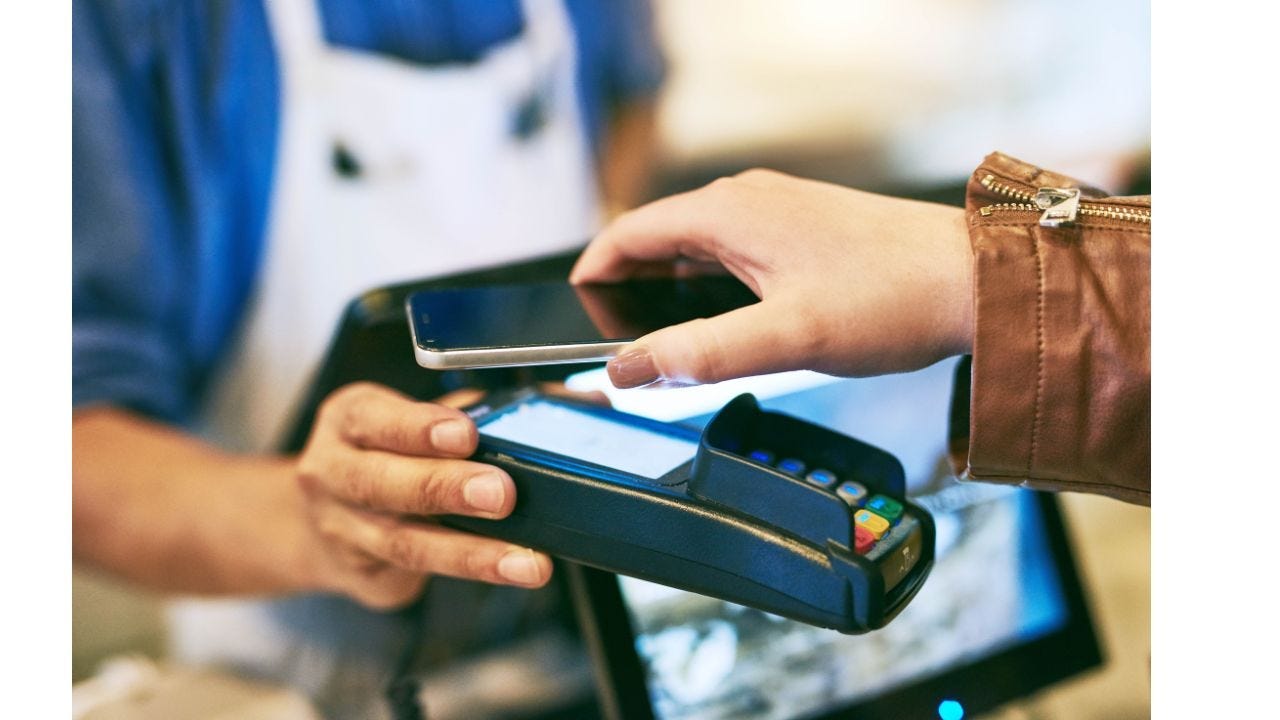
You decide to use Apple Pay, pull out your iPhone, double-tap the side button, authenticate with Face ID, and hold your device near the payment terminal.
The payment is completed in seconds. But what just happened?
The Technology Behind the Magic

Apple Pay uses Near Field Communication (NFC) technology.
NFC allows two devices (your iPhone and the payment terminal) to communicate wirelessly when they’re very close to each other.
This short-range communication ensures a secure, reliable connection for payment data.

Apple Pay doesn’t share your actual card number with the merchant. Instead, it uses tokenization.
When you add a card to Apple Pay, a unique Device Account Number (token) is generated for that card.
This token, not your real card number, is stored securely on your device in the Secure Element — a special chip isolated from the rest of the phone.

Before the payment is processed, Apple Pay ensures that the person making the payment is the legitimate owner of the device and card.
This is done using biometric authentication, like Face ID or Touch ID, or a device passcode. Emma’s Face ID ensures no one else can use her phone to pay.

When Emma’s phone communicates with the payment terminal, the tokenized data is encrypted and sent securely.
This means hackers can’t intercept and use the data even if they manage to tap into the communication.

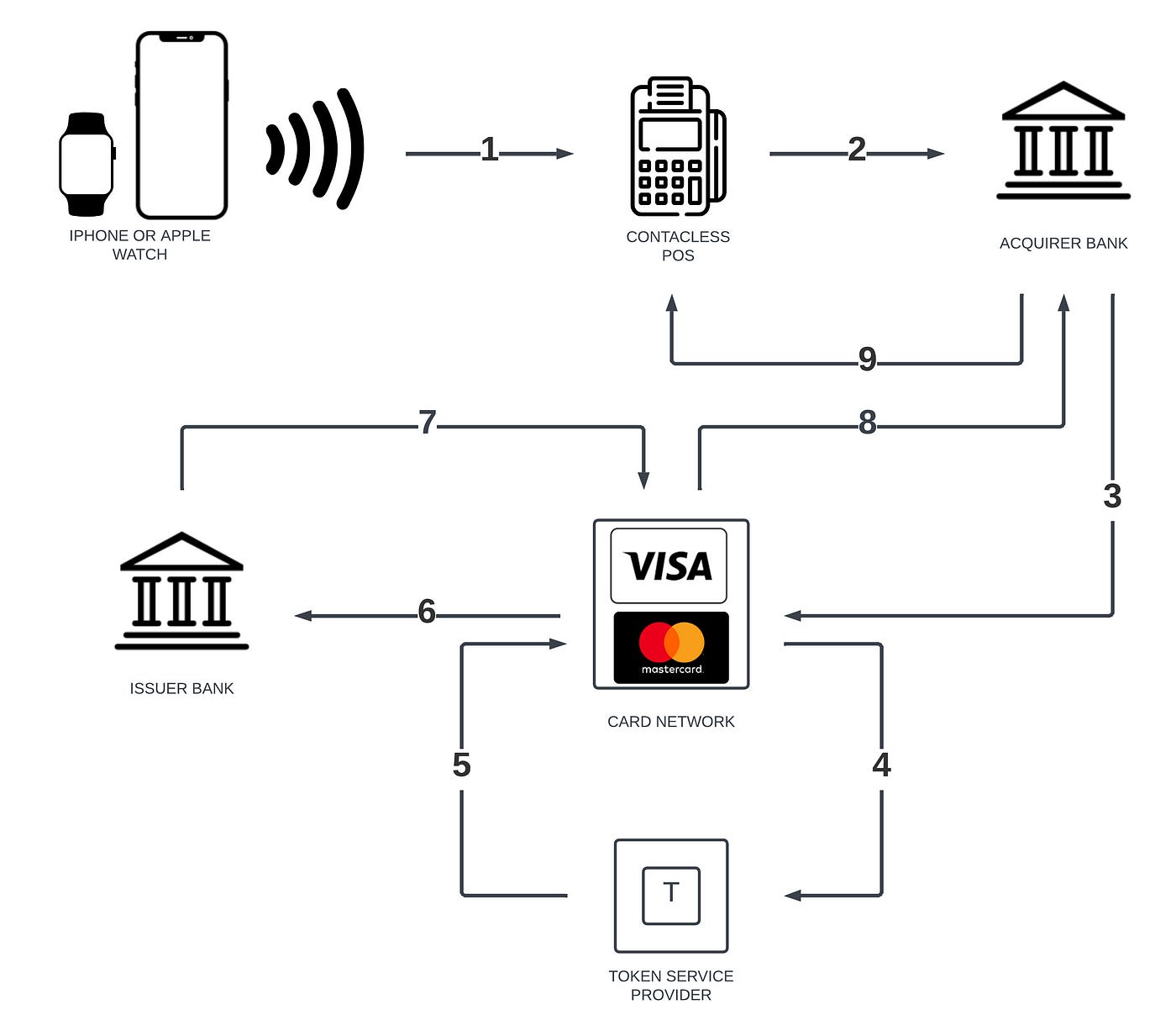
After the payment terminal receives the tokenized data, it sends it to the card issuer (Emma’s bank or credit card company).
The issuer decrypts the token, checks Emma’s account balance, and approves the payment. This entire process takes milliseconds.
High Level Workflow
Why Apple Pay Is a Game-Changer
Convenience: Emma loves the simplicity of tapping her phone instead of fumbling with cash or cards.
Security: By using tokenization and encryption, Apple Pay ensures her sensitive card information is never exposed.
Wide Acceptance: Emma can use Apple Pay almost anywhere — at retail stores, within apps, and even for online purchases.
Privacy: Apple doesn’t store Emma’s transaction data, so her shopping habits remain private.
Beyond Payments: The Expanding Apple Pay Ecosystem
Apple Pay isn’t just for retail payments. Emma also uses it to:
Buy apps and subscriptions in the App Store.
Pay for rides in public transport systems.
Send money to friends via Apple Cash.
Use loyalty cards and boarding passes stored in her Wallet app.
To understand such Tech Concepts and Machine Learning Case Studies. Download our Tech for Product Manager having Concepts and Case Studies about Artifical Intelligence
